Introduction
If you run a SaaS product in cloud security or analytics, chances are your backend is overflowing with logs and metrics: authentication attempts, API calls, traffic flows, threat detections, policy violations, user events. These logs are the lifeblood of your platform. They prove compliance, help detect anomalies, and provide a ground truth for investigations.
Yet, for most products, this goldmine remains underutilized. Customers rarely see more than a handful of static dashboards, preselected charts, or canned reports. When users need deeper insights, they either export raw logs, write custom queries, or file support tickets. None of these options create a delightful experience—or drive additional revenue for your SaaS.
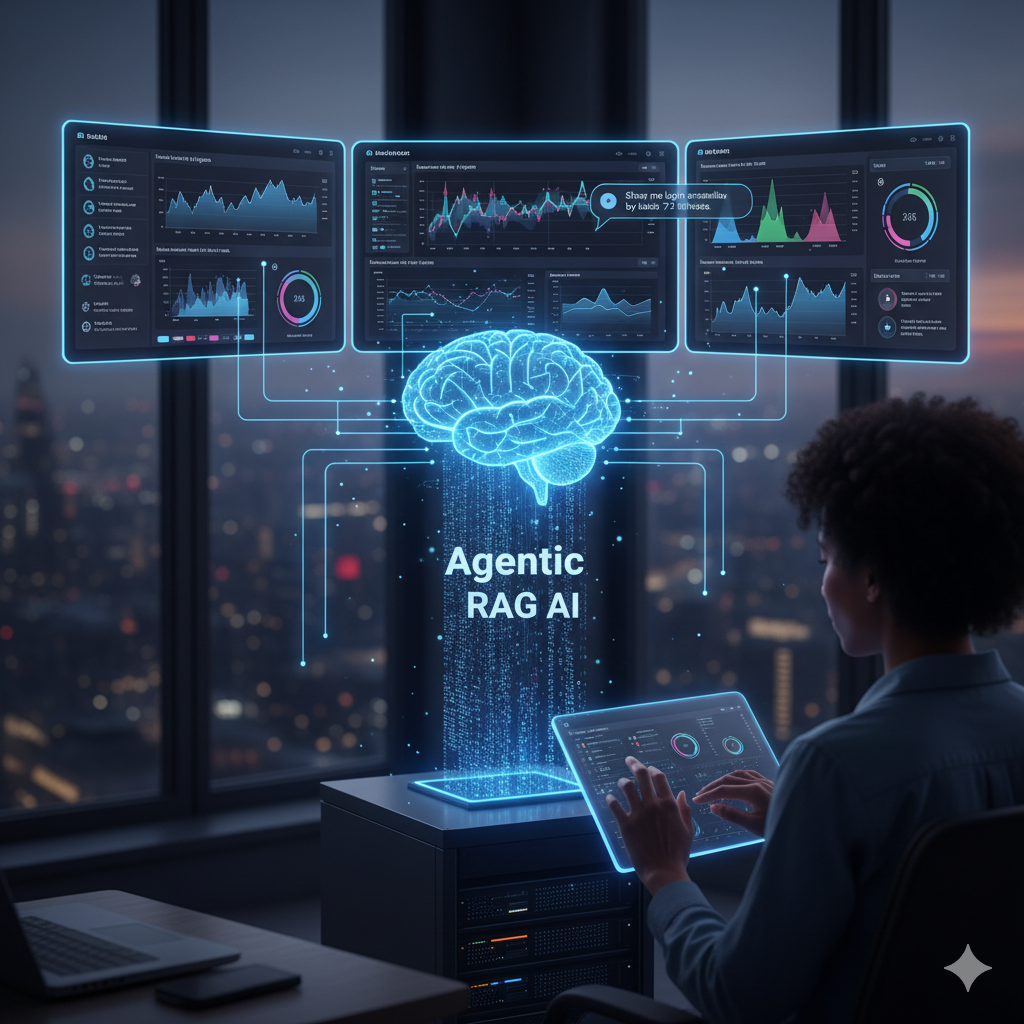
This is where Retrieval-Augmented Generation (RAG) combined with time series rendering changes the game. Instead of static dashboards, you can enable users to ask natural-language questions about their logs and see dynamic, interactive charts in response. It’s the next evolution of embedded analytics, powered by agentic AI.
In this article, we’ll cover:
- Why logs are underleveraged in SaaS today
- How RAG makes logs conversational and context-aware
- The role of time series rendering in delivering visual insights
- Practical architecture for embedding this in your platform
- A step-by-step guide to building a PoC
- Example use cases from cloud security and analytics
The Problem: Logs Are Noisy and Hard to Use
Logs are one of the richest data sources in a SaaS product, but they suffer from three issues:
- Volume: A single customer may generate millions of log lines per day.
- Structure: Logs vary in schema, timestamp formats, and verbosity.
- Accessibility: Only technical users know how to parse logs via APIs, SQL queries, or CLI tools.
As a result, most customers never directly use logs. Instead, they rely on whatever charts product teams decide to surface. This creates two problems:
- Limited value for customers: They only see part of the picture.
- Lost revenue for SaaS vendors: Valuable insights stay hidden instead of being monetized.
Why Retrieval-Augmented Generation (RAG)?
Traditional LLMs struggle with logs because:
- Logs are too detailed to feed directly into a prompt.
- Logs require context (schema, meanings, thresholds) to interpret.
RAG solves this by acting as a bridge:
- Index logs and documentation: Store logs in a vector database (e.g., Pinecone, Weaviate) and supplement with metadata or schema docs.
- Retrieve relevant slices: When a user asks a question, the system retrieves only the relevant log chunks and context.
- Augment the prompt: Pass this context into the LLM before generating a response.
This way, the AI never “hallucinates” about logs—it always grounds answers in the actual data.
Adding Time Series Rendering
Logs are not just text—they’re temporal events. For users, patterns matter more than raw lines:
- Are login failures spiking?
- Which regions are seeing traffic anomalies this week?
- How do today’s API errors compare to the last 30 days?
Answering these questions requires time series visualization. That’s why your AI agents must not only summarize logsbut also render charts and graphs directly in your SaaS UI.
For example:
User: “Show me failed logins by region in the last 7 days.”
Agent response:
- Time series chart (region vs. failed logins, daily granularity)
- Narrative: “Failed logins from Asia-Pacific increased 3x since Tuesday, while other regions remained stable.”
The combination of RAG + rendering transforms noisy logs into actionable insights.
Practical Architecture
Here’s how you can embed this in your SaaS:
1. Log Ingestion
- Collect logs into your existing data lake or time series database (e.g., Elasticsearch, ClickHouse, InfluxDB).
- Normalize timestamps and fields.
2. Indexing & Retrieval
- Use a vector database for semantic retrieval (e.g., “login anomaly” retrieves failed login events).
- Maintain structured indices for filtering (e.g., by region, time range).
3. RAG Pipeline
- Query logs with filters derived from user intent.
- Retrieve schema/metadata to help the model interpret fields.
- Pass both logs + schema into the LLM prompt.
4. Agent Chain
- Intent Classifier Agent: Detects user’s request (e.g., chart vs. text summary).
- Retriever Agent: Queries logs and docs.
- Chart Renderer Agent: Generates visualization (React/HTML/Mermaid).
- Explainer Agent: Summarizes patterns and anomalies in plain language.
5. Generative UI
- Embed charts directly into your dashboard with React components.
- Support drilldowns (click → new query → refined chart).
6. Governance & Auth
- Enforce role-based access (e.g., only admins can see audit logs).
- Log every query and chart render for auditability.
Example Use Cases
1. Authentication Monitoring
- Query: “Show me failed login attempts by device type in the last 30 days.”
- Response: Interactive chart + summary: “Mobile devices show a 2.5x spike since last week.”
2. API Abuse Detection
- Query: “Which API keys are generating the most 5xx errors?”
- Response: Bar chart + narrative: “Key A generated 60% of errors, likely misconfigured.”
3. Compliance Audits
- Query: “List policy violations by cloud account over the last quarter.”
- Response: Table + pie chart + summary: “Account 12345 contributed 70% of violations.”
4. Threat Hunting
- Query: “Show traffic anomalies from suspicious IP ranges.”
- Response: Time series chart + anomaly markers.
Monetization Opportunities
Embedding RAG + rendering opens new pricing models:
- Premium Analytics Tier: Advanced charting available only in paid plans.
- Usage-Based Billing: Charge per 1,000 queries or GB analyzed.
- Compliance Add-On: Charge extra for audit-ready reports generated via conversational queries.
- Enterprise Customization: Offer tailored assistants that surface domain-specific logs.
Step-by-Step PoC Plan
Week 1: Define Questions
- Identify top 5 customer questions your support team gets about logs.
- Example: “Show failed login attempts by geography.”
Week 2: Build RAG Prototype
- Index sample logs into a vector store.
- Implement retrieval → prompt augmentation → LLM output.
Week 3: Add Visualization
- Connect LLM output to a charting library (e.g., Chart.js, Recharts).
- Render charts inline with natural language explanations.
Week 4: Test with Users
- Deploy to a small customer set.
- Measure: accuracy, satisfaction, time saved, support reduction.
Risks and Mitigations
1. Data Overexposure
Risk: Agents may surface sensitive logs.
Mitigation: Apply RBAC filters before retrieval.
2. Performance
Risk: Chart queries may be slow on large log sets.
Mitigation: Use pre-aggregations or downsampling.
3. Accuracy
Risk: LLM misinterprets schema.
Mitigation: Always pass schema documentation in RAG context.
Real-World Example
Imagine a startup offering cloud workload protection. Today, customers see 5 dashboards: CPU usage, memory, top threats, compliance score, and alerts.
With embedded RAG + rendering, a customer could ask:
- “Show all container images deployed without recent security patches.”
- “Plot anomaly scores for East vs. West regions over the last month.”
- “Generate a compliance report for SOC2 Section 2.1.”
Each query returns not just text but interactive visualizations and downloadable reports. Suddenly, your SaaS feels like a data scientist on demand.
Conclusion
Logs are too valuable to remain hidden. By combining RAG with time series rendering, SaaS providers can transform raw telemetry into user-friendly, monetizable insights. Customers get more control, faster investigations, and richer analytics—without having to learn query languages or sift through CSV exports.
For SaaS executives, the implications are strategic:
- Reduce support burden
- Increase adoption
- Unlock new revenue streams
- Differentiate your platform in a crowded market
The path forward is clear: stop treating logs as backend exhaust. Start treating them as a frontline product feature.
Call-to-Action
Want to see how RAG and time series rendering can turn your logs into insights?
Book a demo with Doc-E.ai and learn how to embed conversational analytics directly into your SaaS.
👉 [Book Demo]